Controller support
Requirements
Section titled “Requirements”Valve lays out quite a lot of requirements that you need to satisfy in order to claim that your game has full controller support (reference). In short (reference):
- On-screen icons should match the input device
- Mouse cursor should match the input device (e.g. hide the cursor when only using a gamepad)
- All devices should work 100% of the time
- Dpad, analog stick, and mouse can all be used to navigate menus
- A disconnected gamepad should pause the game
Random notes
Section titled “Random notes”- There’s an API to open the controller-binding UI in Steam (reference). By using this, you don’t need to make your own controller-customization screen (at least on Steam).
- Note: this will not let you rebind keyboard keys.
- Steam’s API requires the Steam client, so if you distribute through other game stores, you’ll also need your own control-rebinding UI. Then again, other stores don’t necessarily have the same stringent crequirements that Steam does to say that you have full controller support, so you could always make a judgment call.
Input glyphs
Section titled “Input glyphs”Steam has documentation here about how to handle on-screen glyphs. In short, you would provide your own input glyphs and use Steam as a fallback. The Steam client has images for all of the most common control schemes, and Valve will likely do a better job of keeping them up-to-date than individual game developers will.
I assume that the images that Valve provides wouldn’t necessarily match your game’s aesthetic (or at least the aesthetic you used for other input glyphs), so it’s probably worth somehow keeping track of how often your players hit that fallback and with which input methods.
Kenney glyphs (reference)
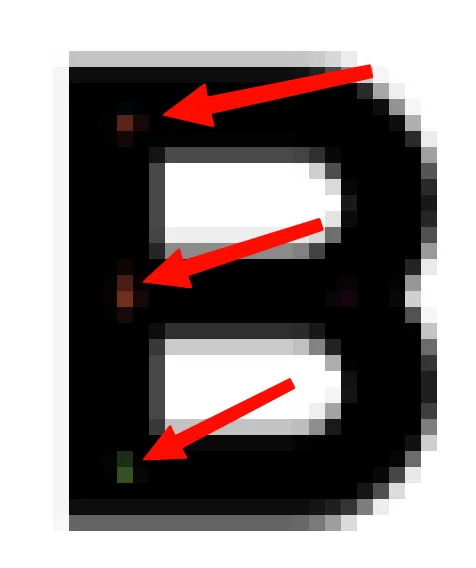
Section titled “Kenney glyphs (reference)”If using the pixel-art images, there are no problems with transparency. But if using the fonts, you’ll run into issues like this:
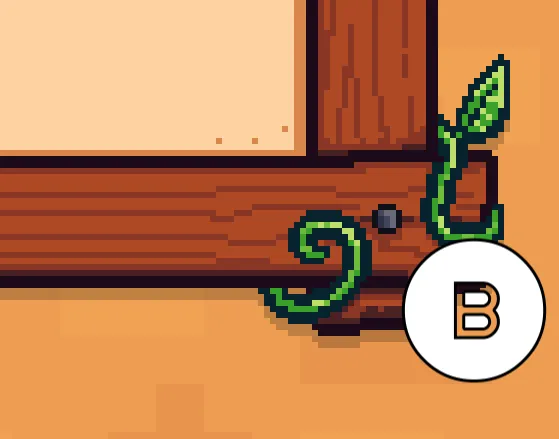
As shown above, the “B” is actually a cut-out, so you see everything behind it. The high-level solutions are:
- ⭐️ Use a larger outline. This will cause the inner pixels to be filled in (and also the outer border to get thicker).
- Note: setting this 1px too low will still show colorful pixels behind the glyph:
- This is the option that I went with because it’s quick and easy. Plus, in most instances, you’re rendering in one of the following categories:
- A known background whose color you control (e.g. your settings screen probably needs legible text, so the input glyphs may already render on a dark background)
- An arbitrary background, in which case you’ll probably want a border anyway (which is controlled by the outline)
- Note: setting this 1px too low will still show colorful pixels behind the glyph:
- Always render inside of a panel that has a dedicated background.
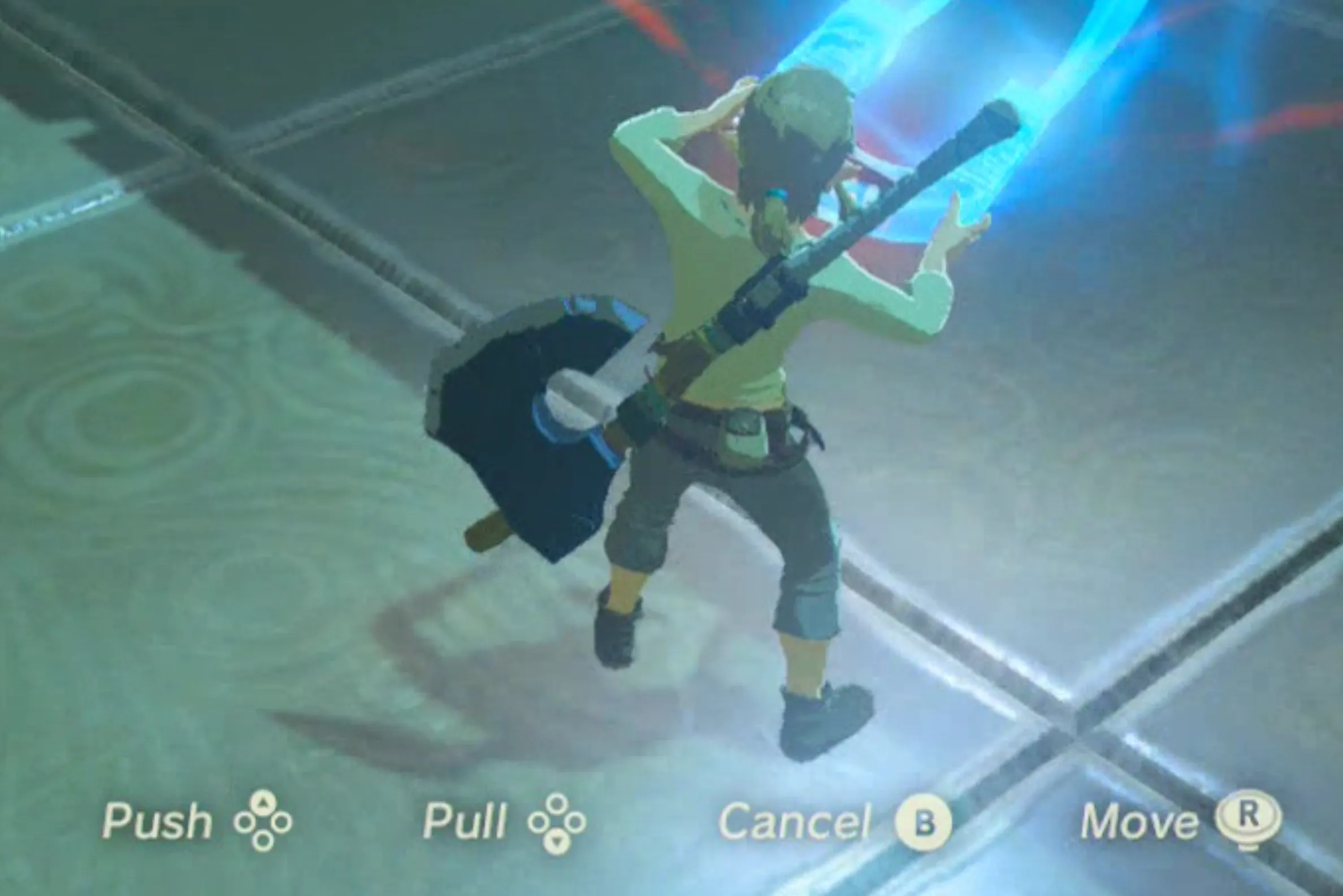
- Render with a shadow. This is what Breath of the Wild does (notice the transparent input glyphs)
- Render a silhouette behind each glyph with the same shape as the main glyph. The complication is that not all glyphs are circular, even on a controller (e.g. triggers, bumpers, sticks, keyboard keys, etc. all have different shapes).